VMware Tools Is Out of Date on This Virtual Machine While Summary States Current
For some apparent reason all my virtual machines show an alert that the VMware tools is out of date. While the summary states that its running the current version 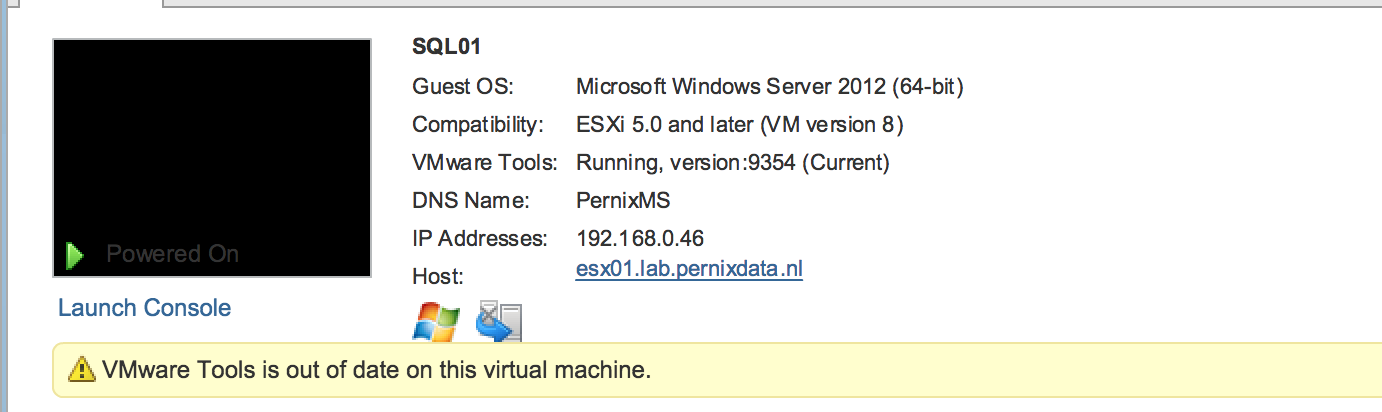 When trying to upgrade the VMware tools, all options are grayed out:
 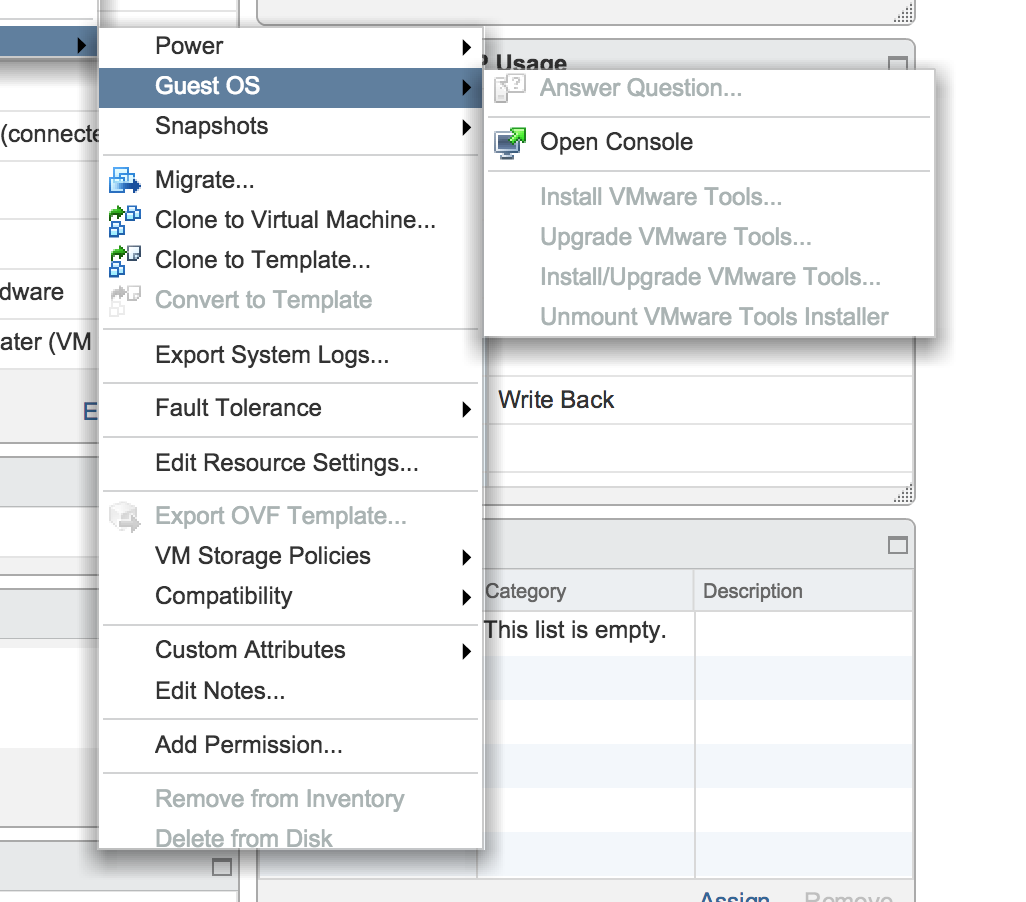 It appears to be a cosmetic error but I stil wanted to know why it shows the alert on my virtual machines. As it turns out I created my templates on my management cluster host (lab) and that host runs a newer version of vSphere 5.5 (2068190)
 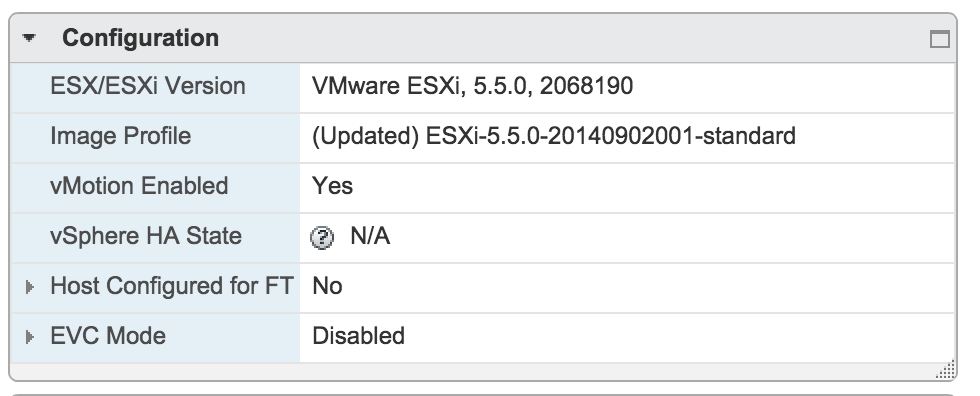 My workload cluster host run a slightly older version of vSphere 5.5 and it uses a different version of VMtools.
 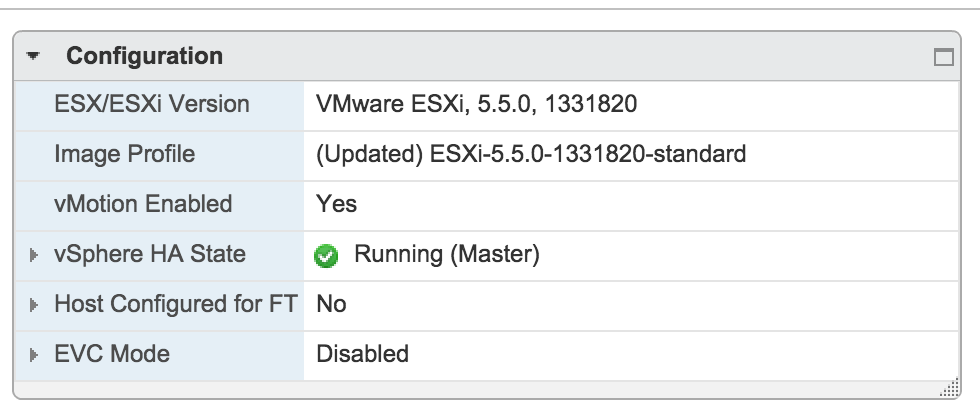 The VMtools version list helps you to identify which version of VMtools installed in your virtual machine belongs to which ESXi version: https://packages.vmware.com/tools/versions Hope this clarifies this weird behavior of the UI for some.